Security key
A small physical device you plug in or tap to prove it is really you logging in.
A security key is a little gadget, about the size of a house key, that you use as a second step when you log in. You type your password, the site asks for the key, and you plug it into a USB port or hold it near your phone and touch it. The best-known brand is YubiKey, made by Yubico, but Google, Feitian and others sell them too.
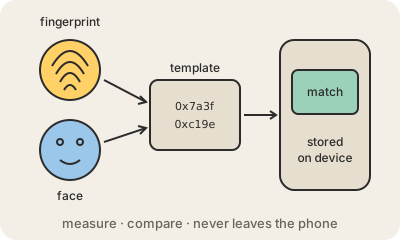
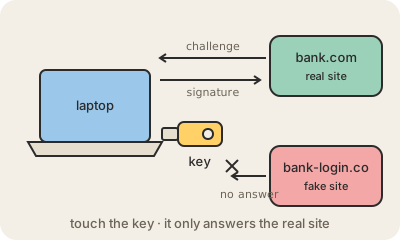
Inside there is a tiny chip that holds a secret that never leaves the device. When you sign up, the key creates a separate key pair for that site and gives it only the public half. At each login the site sends a random challenge, the key signs it, and the site checks the signature. Nothing you could read aloud or type is ever shown, so there is no code to copy.
That is what makes it so hard to phish. The key also checks which website is asking, and it will only answer the real address it was registered with. A perfect copy of your bank's login page on a look-alike domain gets nothing. Security keys use the same FIDO2 and WebAuthn standards as passkeys; a key is basically a passkey that lives in a separate device instead of your phone.
Keep in mind
- A second factor you physically hold: plug it in or tap it, and touch it to confirm.
- Its secret never leaves the chip, and it only answers the real site, so phishing fails.
- Works with the same FIDO2 and WebAuthn standards as passkeys.
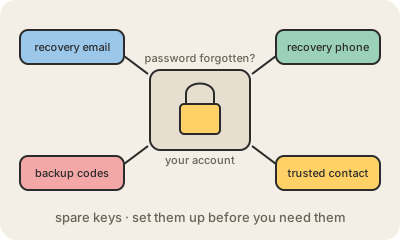
- Register a spare one: if you lose your only key, recovery can be slow.